
The Ultimate Guide to Cold Outreach That Avoids the Spam Folder (2026)
Quick Summary
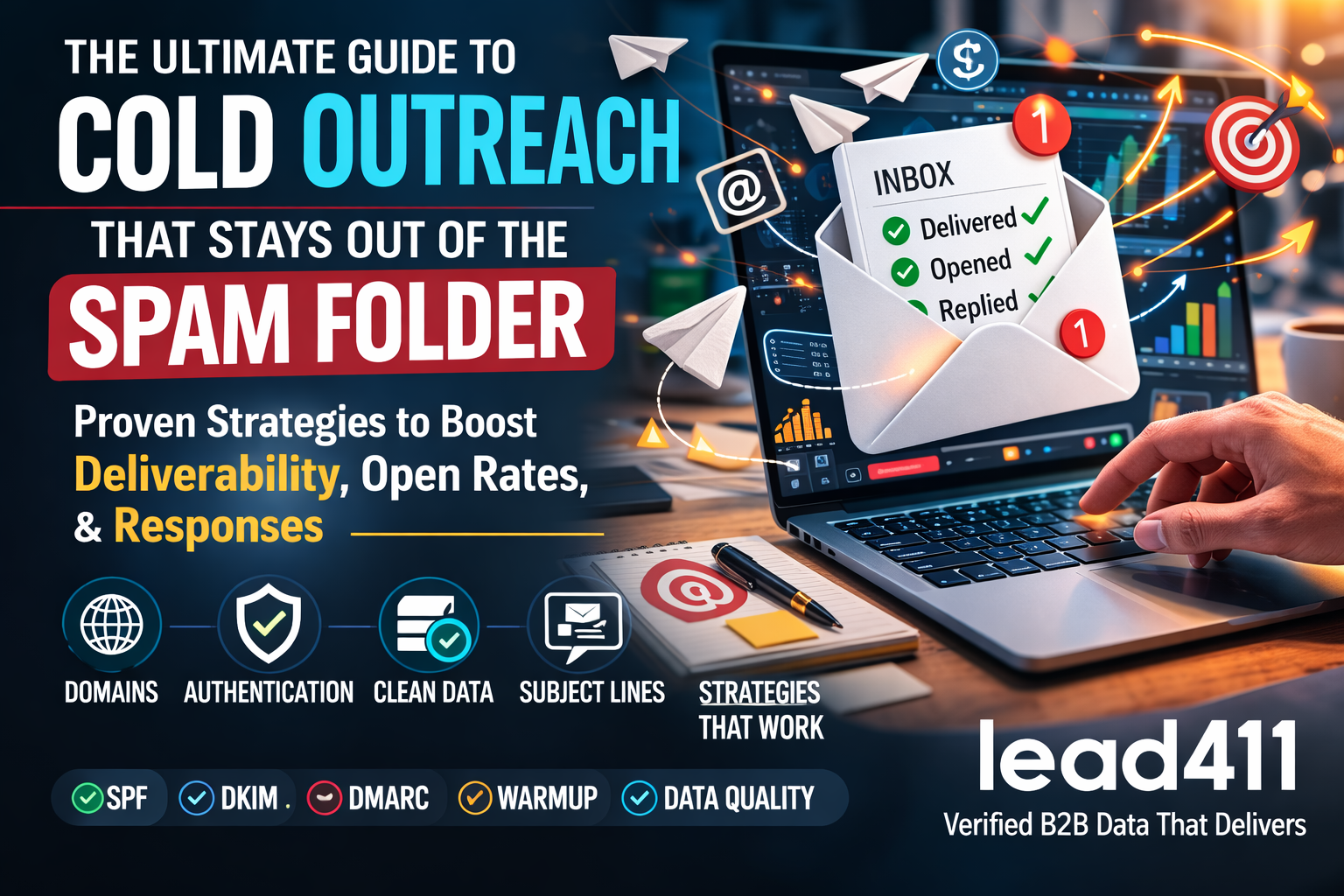
Cold outreach remains one of the most powerful B2B growth channels, but modern spam filters have become significantly more advanced. Email providers now analyze domain authentication, sender reputation, bounce rates, engagement signals, sending patterns, and message content before deciding whether your email lands in the inbox or spam folder.
To succeed with cold outreach today, outbound teams must combine:
- Proper email infrastructure (SPF, DKIM, DMARC)
- Multiple sending domains
- Mailbox warm-up strategies
- Clean, verified contact data
- Optimized subject lines and messaging
- Continuous experimentation as outreach strategies degrade over time
This guide walks through the full cold outreach system required to maintain strong deliverability and consistently reach decision makers.
Table of Contents
- Why Cold Outreach Still Works
- Why Emails Go to Spam
- Building the Right Domain Infrastructure
- Setting Up SPF, DKIM, and DMARC
- Domain and Mailbox Warm-Up
- Sending Volume and Cadence
- Why Clean Data Matters
- Subject Line Strategy
- Writing Outreach Content That Avoids Spam Filters
- Advanced Deliverability Factors
- Metrics Every Campaign Must Track
- Why Cold Outreach Strategies Degrade Over Time
- Building a Long-Term Cold Outreach System
- Why Data Quality From Lead411 Improves Results
Why Cold Outreach Still Works
Cold outreach remains one of the fastest ways to generate B2B pipeline.
When executed properly, it allows companies to reach decision makers directly without relying solely on inbound marketing.
The reason it continues to work is simple: most businesses still depend on email as their primary communication channel.
Executives, sales leaders, and department heads check email daily, making it one of the few scalable ways to start conversations at scale.
However, modern cold outreach requires much more sophistication than it did even five years ago. Spam filtering technology has improved dramatically,
forcing outbound teams to invest in technical deliverability infrastructure and better data sources.
Why Emails Go to Spam
Spam filters analyze a wide range of signals before deciding where an email should be delivered.
- Sender domain reputation
- IP reputation
- Email authentication records
- Bounce rate
- Spam complaints
- User engagement
- Sending patterns
- Email content patterns
If any of these signals look suspicious, the email may be filtered automatically.
For example, if your campaign produces too many bounced emails, mailbox providers interpret that as evidence that the sender is using poor quality data or purchased lists.
Building the Right Domain Infrastructure
Professional outbound teams rarely send cold outreach from their primary domain.
Instead, they create dedicated outreach domains.
Example:
Primary domain:
company.com

Outreach domains:
companymail.co
companygrowth.io
companyconnect.co
companyoutreach.com
Each domain contains multiple sending mailboxes:
alex@companymail.co
sarah@companymail.co
mike@companymail.co
Using multiple domains protects the primary brand domain while allowing outreach volume to scale safely.
Setting Up SPF, DKIM, and DMARC
Authentication protocols verify that your emails are legitimate.
SPF
SPF specifies which servers are allowed to send email from your domain.
v=spf1 include:_spf.google.com include:sendgrid.net ~all
DKIM
DKIM signs each email with a cryptographic signature, ensuring the message has not been modified.
DMARC
DMARC enforces authentication rules and tells receiving servers how to handle failed authentication.
v=DMARC1; p=quarantine; rua=mailto:dmarc@company.com
Together, these protocols dramatically improve deliverability.
Domain and Mailbox Warm-Up
New domains have no sending reputation.
Sending large volumes immediately will likely trigger spam filters.
Instead, domains should be warmed up gradually.
Week 1: 5–10 emails per day
Week 2: 15–20 emails per day
Week 3: 30–40 emails per day
Week 4: 50 emails per day
Warm-up should include real interactions such as replies and forwards to simulate natural communication patterns.
Sending Volume and Cadence
Sending velocity is another major factor in spam filtering.
Recommended limits:
- 30–50 emails per mailbox per day
- 150–200 emails per domain per day
Gradual sending patterns look far more natural to spam filters than sudden spikes.
Why Clean Data Matters
Poor data quality is one of the fastest ways to damage deliverability.
High bounce rates signal that your email list contains invalid or outdated contacts.
Once bounce rates exceed safe thresholds, mailbox providers begin lowering your sender reputation.
This can lead to:
- Spam folder placement
- Blocked emails
- Domain blacklisting
Maintaining extremely clean contact data is critical to long-term outreach success.
Subject Line Strategy
Subject lines strongly influence open rates.
Effective subject lines are short, conversational, and curiosity-driven.
Good Examples
Quick question about your team
Idea for improving outbound
Saw your recent hiring push
Poor Examples
LIMITED TIME OFFER
BOOST SALES FAST
CLICK HERE NOW
Spam filters often detect aggressive marketing language, so natural wording performs better.
Writing Outreach Content That Avoids Spam Filters
Email body structure also affects deliverability.
Best practices include:
- Use plain text emails
- Avoid excessive links
- Avoid heavy HTML formatting
- Keep messages short and conversational
Example outreach email:
Hi Sarah,

I noticed your team has been expanding the SDR group recently.

Many companies in your space struggle with finding verified decision-maker contact data for outbound campaigns.

Would it be helpful if I shared how similar teams are solving that?

Best,
Alex
Advanced Deliverability Factors
Beyond infrastructure and messaging, inbox providers evaluate engagement signals.
- Replies
- Opens
- Forwards
- Deletes
- Spam complaints
High engagement improves sender reputation, while low engagement signals unwanted messaging.
Metrics Every Campaign Must Track
Successful outbound teams monitor key deliverability metrics.
- Open rate
- Reply rate
- Bounce rate
- Spam complaint rate
- Meeting conversion rate
These metrics help identify issues before deliverability problems escalate.
Why Cold Outreach Strategies Degrade Over Time
Spam filters continuously adapt to new sending patterns.
When many senders adopt the same templates or subject lines, filtering systems learn to detect those patterns.
As a result, outreach strategies that worked six months ago may become ineffective.
Successful teams constantly experiment with:
- new subject lines
- new messaging approaches
- different segmentation strategies
- new sending infrastructure
Building a Long-Term Cold Outreach System
The most effective outbound programs combine multiple layers:
- strong domain infrastructure
- authentication protocols
- warmed-up mailboxes
- controlled sending patterns
- verified contact data
- ongoing optimization
This approach transforms cold outreach into a reliable pipeline generation engine.
Why Data Quality From Lead411 Improves Results
Even the best outreach infrastructure fails if the underlying data is inaccurate.
Bounce rates and invalid contact information quickly damage sender reputation.
Lead411 focuses on providing verified B2B contact data, helping outbound teams maintain clean lists and improve deliverability.
Cleaner data leads to:
- lower bounce rates
- better inbox placement
- higher reply rates
- more consistent outreach performance
When strong deliverability infrastructure is combined with verified data, cold outreach becomes a predictable and scalable growth channel.
Frequently Asked Questions About Cold Outreach and Email Deliverability
How do you keep cold emails out of the spam folder?
Keeping cold emails out of the spam folder requires a combination of strong email infrastructure, clean contact data, and careful sending behavior.
Senders must authenticate their domains using SPF, DKIM, and DMARC records, warm up new mailboxes gradually, limit daily sending volume, and use natural language in subject lines and email content.
Maintaining high engagement rates and keeping bounce rates low are also critical for maintaining sender reputation.
What is the ideal number of cold emails to send per day?
Most deliverability experts recommend sending between 30 and 50 cold emails per mailbox per day.
Sending significantly more than this can trigger spam filters, especially for new domains or recently created inboxes.
Scaling cold outreach safely usually involves using multiple domains and multiple mailboxes to distribute sending volume naturally.
Why does email authentication matter for cold outreach?
Email authentication protocols such as SPF, DKIM, and DMARC verify that your emails are legitimate and not spoofed.
Mailbox providers like Gmail and Outlook rely heavily on these signals when determining whether to trust incoming messages.
Without proper authentication, even well-written cold outreach emails may be filtered into spam.
What is SPF, DKIM, and DMARC?
SPF (Sender Policy Framework) defines which servers are allowed to send email on behalf of your domain.
DKIM (DomainKeys Identified Mail) adds a cryptographic signature to verify that the message has not been altered during transmission.
DMARC (Domain-based Message Authentication, Reporting, and Conformance) builds on SPF and DKIM by defining policies for how receiving servers should handle authentication failures.
How important is data quality for cold outreach?
Data quality is one of the most important factors in cold outreach success.
If your email list contains outdated or invalid contacts, your campaigns will generate high bounce rates.
High bounce rates damage sender reputation and significantly increase the chances of future emails landing in the spam folder.
What bounce rate is acceptable for cold email campaigns?
Most email deliverability experts recommend keeping bounce rates below 2–3 percent.
If bounce rates exceed this threshold, mailbox providers may start flagging the sender as a potential spam source.
Maintaining clean contact data and continuously verifying lists helps prevent bounce-related deliverability issues.
What makes a good cold email subject line?
A good cold email subject line is short, natural, and curiosity-driven.
Subject lines that sound conversational tend to perform better than promotional language.
Avoid aggressive marketing phrases such as “limited time offer,” “free,” or “act now,” as these terms are frequently associated with spam.
How long should a cold outreach email be?
High-performing cold outreach emails are typically between 50 and 125 words.
Shorter messages feel more personal and are easier for recipients to read quickly.
Long, heavily formatted emails often resemble marketing campaigns and may trigger spam filters.
Why do cold outreach strategies stop working over time?
Cold outreach strategies degrade over time because spam filters constantly adapt to new sending patterns.
When many companies use the same subject lines or templates, email providers learn to detect those patterns.
Successful outbound teams continuously test new messaging, subject lines, and targeting strategies to maintain performance.
What role does sender reputation play in deliverability?
Sender reputation is one of the most important factors in determining whether your emails reach the inbox.
Mailbox providers evaluate historical sending behavior, engagement rates, bounce rates, and spam complaints to assign reputation scores to sending domains.
Maintaining a strong sender reputation requires consistent sending practices and clean contact data.
Why does verified contact data improve cold outreach performance?
Verified contact data reduces bounce rates and increases the likelihood that messages reach real decision makers.
When email lists contain accurate information, deliverability improves and reply rates increase.
This is why many outbound sales teams rely on verified B2B contact data providers such as Lead411 to maintain clean prospect lists.
Recent Posts
Buying Signals in Intent Data: What Actually Means “They’re Ready to Buy”?
Quick Summary Not all buyer intent data is created equal. Many sales teams mistake general research activity for real purchase intent, leading to poorly timed outreach and missed opportunities. True buying signals combine surge intensity, recency,...
Our Data Sucks: Why Your B2B Data Is Failing (And How to Fix It)
Quick Summary: If you’ve ever said “our data sucks,” you’re not alone. Bad B2B data kills reply rates, increases bounce rates, frustrates SDRs, and wastes thousands in software spend. Most companies don’t have a lead problem — they have a data quality problem. In this...
Why is Outbound Getting Worse?
Quick Summary Outbound sales is becoming increasingly difficult. Declining cold email response rates, ineffective cold calls, and outdated lead lists are causing outbound sales performance to decline. Lead411 solves these problems by providing real-time verified...